Canva Pro Free vs Paid – Is It Worth Buying in 2026?
Canva Pro vs Free 2026 – Features, Price & Is It Worth It?
Confused between Canva Free and Pro? Compare features, pricing, and benefits to decide if Canva Pro is worth it in 2026.
If you’ve ever tried designing anything online, you’ve probably heard of Canva.
But here’s the real question most people ask:
Should you stick with Canva Free or upgrade to Canva Pro?
Whether you're a student, freelancer, or business owner — this decision matters.
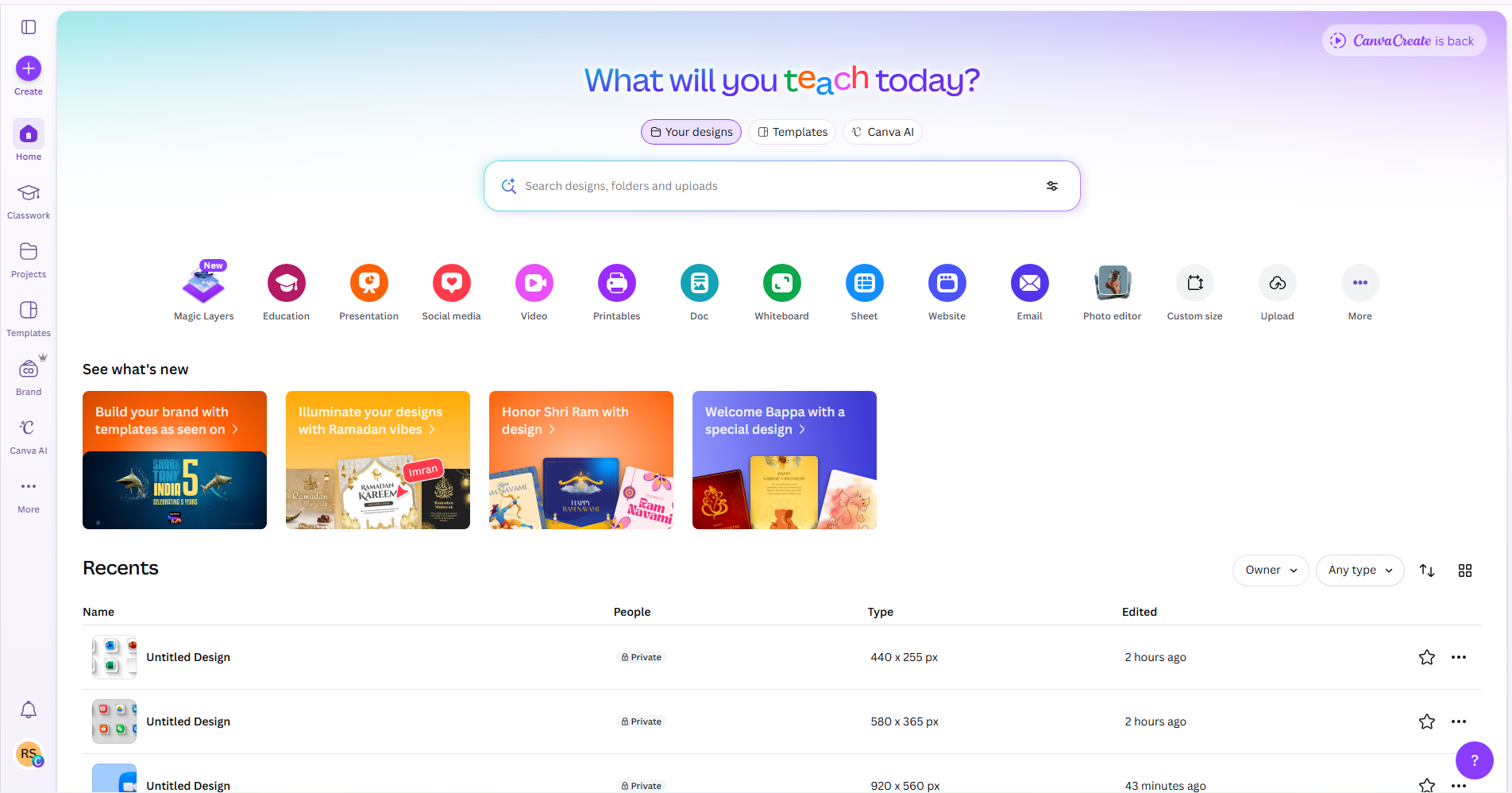
Canva Free vs Pro (Quick Comparison)
This is where things change.
At first glance, Canva Free feels powerful enough for most beginners. You can create social media posts, simple banners, and even presentations without paying anything. For basic users, this is a great starting point.
But as soon as you start working more seriously — like creating content for business, clients, or branding — the limitations of the free version become clear. Canva Pro unlocks a completely different level of design experience.
The key difference lies in access, speed, and quality.
Canva Free
- Basic templates
- Limited photos & elements
- Simple editing tools
- Download options
- Most premium templates are locked
- No background remover
- No brand kit
Canva Pro
- 100M+ premium images & elements
- Background remover (1-click)
- Magic resize (one design → multiple sizes)
- Brand kit (save colors, logos)
- Premium fonts & templates
- create high-quality designs instantly
- Save time
⚠️ What You Miss in Canva Free
While Canva Free is useful, it does come with several restrictions that can slow you down or limit creativity.
One of the biggest frustrations is seeing a perfect template or element — but not being able to use it because it’s marked as “Pro.” This can break your workflow and force you to settle for less attractive designs.
Here are the key things you miss:
👉 Missing features in Canva Free:
- ❌ Background remover (very important for clean designs)
- ❌ Brand kit (no option to save colors, fonts, logo)
- ❌ Magic resize (you have to redesign manually)
- ❌ Premium templates & elements
- ❌ Advanced export options
👉 Real impact:
- Takes more time to finish designs
- Designs may look less professional
- Hard to maintain brand consistency
So while you can design with Free, you often need extra effort to achieve good results.
🚀 Why People Upgrade to Canva Pro
Most users don’t upgrade just for features — they upgrade for speed, convenience, and better results.
Imagine creating one design and instantly resizing it for Instagram, Facebook, and YouTube — without starting over. Or removing a background in just one click instead of using another tool.
That’s exactly what Canva Pro offers.
👉 Top reasons people upgrade:
- ✔ Access to 100M+ premium images, videos & elements
- ✔ 1-click background remover
- ✔ Magic resize (save hours of work)
- ✔ Brand kit for consistent branding
- ✔ Premium templates that look modern & high-quality
In short, Canva Pro helps you work smarter, not harder.
For freelancers & creators:
- Faster delivery to clients
- Better design quality = higher value
- More chances to earn
For businesses:
- Consistent branding
- Professional marketing materials
- Time-saving workflow
🤔 Is Canva Pro Worth It for You?
This depends on how you use Canva.
If you only design occasionally — like making a birthday post or a simple graphic — Canva Free is perfectly fine. You don’t really need to upgrade.
But if you are someone who designs regularly, then Canva Pro becomes a powerful investment rather than a cost.
👉 Canva Pro is worth it if you:
- Create content daily or weekly
- Manage social media pages
- Work as a freelancer or designer
- Run ads or marketing campaigns
- Want faster and better results
👉 Not necessary if you:
- Design rarely
- Don’t need premium features
- Are just experimenting
👉 Final thought:
- Free saves money
- Pro saves time and improves quality
And in most cases — time + quality = more growth
Conclusions
However, as your needs grow — whether for social media, freelancing, or business — the limitations of the free version become more noticeable. Canva Pro removes those barriers and gives you access to powerful features that save time and improve design quality.
👉 In simple terms:
- Canva Free is good for casual use
- Canva Pro is better for serious work
If you want faster workflow, professional results, and access to premium resources, upgrading to Canva Pro is definitely worth it.
If you’re planning to use Canva regularly, investing in Pro can help you create better content, work more efficiently, and even increase your earning potential.